Wrike

Related Tool Collections
Wrike Alternatives
What Is Wrike?
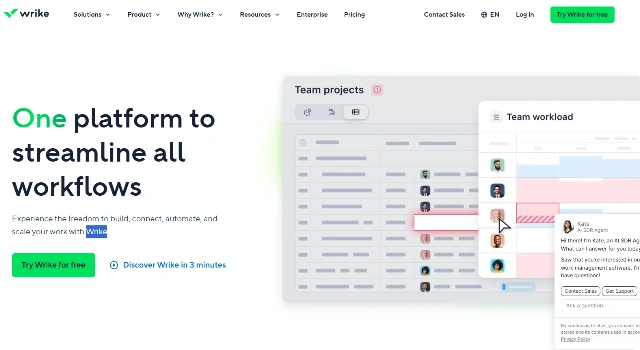
Wrike is a powerful work management platform for larger teams and enterprises. Its AI surfaces risks and dependencies while dashboards provide portfolio‑level visibility for leaders.
With proofing, automation, and resource tools, Wrike supports complex cross‑functional delivery across marketing, operations, and IT.
Key Features
Wrike focuses on visibility and risk management:
- AI Risk Insights: Identify potential delays early.
- Dashboards & Analytics: Monitor portfolio health in real time.
- Automation & Approvals: Streamline reviews and handoffs.
- Proofing: Review creative assets with contextual comments.
- Workload & Resource: Manage capacity across teams.
Who Is Wrike Best For?
Wrike is ideal for organizations with complex operations:
- Enterprises demanding visibility and governance.
- Creative/marketing ops with heavy review cycles.
- IT/ops teams balancing capacity and dependencies.
Pros
- Strong portfolio visibility and reporting.
- AI helps highlight risks before they escalate.
- Robust proofing and approvals.
Cons
- Learning curve for new users.
- Advanced functionality primarily on higher tiers.
Final Verdict: Is Wrike Worth It?
How to Use Wrike: Step by Step
Stand up Wrike for a program like this:
- Create spaces for each department or stream.
- Build project templates and request forms.
- Enable automations for routing and approvals.
- Configure dashboards for portfolio tracking.
- Use AI risk insights to triage issues proactively.
FAQ
Q: Does Wrike have a free version?
A: Yes, Wrike offers a free plan for small teams to get started.
Q: What AI features stand out?
A: Risk insights and summaries that surface potential blockers and delays.
Q: Is Wrike good for creative teams?
A: Yes—its proofing and approvals are well-suited for marketing/creative ops.