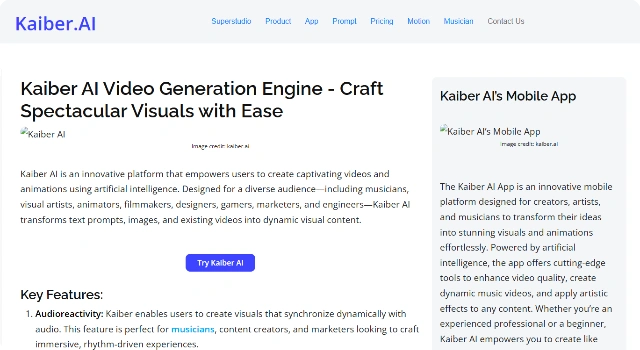
Kaiber AI

Kaiber AI

Creative text-to-video tool for musicians, artists, and visuals.

What Is Kaiber AI?

Kaiber AI is an AI video tool built for creating Kaiber AI content easily.

It helps users produce videos with minimal setup, focusing on speed, accessibility, and polished outputs.

Key Features

Kaiber AI offers features such as:

  • Script-to-video generation with AI assistance.
  • Templates to speed up production.
  • Stock assets to enrich scenes.
  • Captions for accessibility.
  • Easy exports optimized for social sharing.

Who Is Kaiber AI Best For?

Kaiber AI is best for users who want quick, polished videos:

  • Marketers creating social ads and promos.
  • Educators delivering training or tutorials.
  • Creators repurposing scripts or blogs into clips.

Pros

  • User-friendly interface.
  • Time-saving features.
  • Polished results with minimal effort.

Cons

  • Free plans may have limits.
  • Advanced customization options can be limited.

Final Verdict: Is Kaiber AI Worth It?

Kaiber AI is a solid choice for quick, accessible video generation, ideal for users who prioritize speed and ease of use over advanced creative control.

How to Use Kaiber AI: Step by Step

Transform prompts, images, or audio into stylized motion videos with camera moves and effects.

  1. Log in and choose Generate.
  2. Enter a text prompt or upload a reference image/audio.
  3. Select a style, camera motion, and aspect ratio.
  4. Set duration and guidance strength.
  5. Generate a preview and review key frames.
  6. Iterate by refining prompt or settings.
  7. Export the final video file.

FAQ

Is Kaiber AI free?
Free credits or trials may exist; paid plans increase duration, resolution, and export limits.

What inputs can I use?
Text prompts, reference images, or audio to guide style and motion.

How do I control the look?
Adjust style, camera moves, motion strength, and aspect ratio; reuse seeds for consistency.

Best use cases?
Music visuals, teasers, concept art motion, and experimental social clips.

Commercial rights?
Check your plan’s terms and ensure you own rights to any reference media you upload.

Prompt tips?
Be specific about subject, style, camera, and mood; iterate with small changes.

Scroll to Top