Goodnotes
Related Tool Collections
Goodnotes Alternatives
What Is Goodnotes?
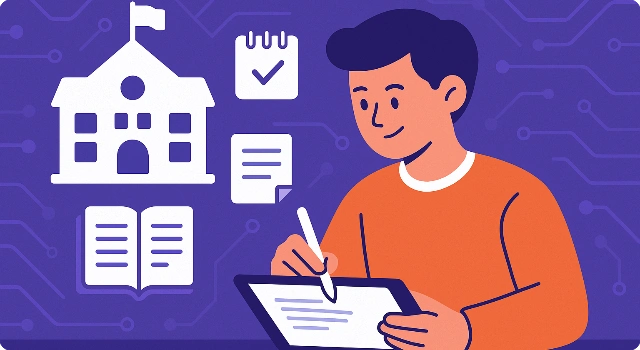
Goodnotes is a digital notebook designed for handwriting. With Apple Pencil support and OCR, it makes paper‑like note‑taking searchable and shareable.
Key Features
Goodnotes is an iPad-first handwriting and PDF annotation app.
- Handwriting: Optimized for Apple Pencil
- Notebook templates: Choose paper styles
- PDF annotation: Import and mark documents
- Searchable handwriting: Find text in notes
- Cross-platform sync: iPad, iPhone, and Mac
Who Is Goodnotes Best For?
Goodnotes is best for people who prefer handwriting over typing.
- Students: Handwrite lectures and problem sets
- Teachers: Annotate materials and share PDFs
- Professionals: Take meeting notes on iPad
- Planners: Build custom digital notebooks
- Artists/Hobbyists: Sketch and doodle
Pros
- Top‑tier Apple Pencil experience
- Powerful OCR search
- Great for PDFs
- Rich template library
- Organized notebook system
Cons
- Best on iPad—limited elsewhere
- Paid app
- No real‑time collaboration
- Large notebooks can bloat storage
- Fewer integrations than cloud suites
Final Verdict: Is Goodnotes Worth It?
If handwriting is your superpower, Goodnotes is one of the best ways to bring your paper workflow into a searchable, sharable digital system.
How to Use Goodnotes: Step by Step
Follow these steps to get started with Goodnotes:
- Install Goodnotes on iPad/iPhone/Mac
- Create a new notebook and choose a paper template
- Write with Apple Pencil or type with the keyboard
- Import PDFs to annotate and highlight
- Organize notebooks into folders for each subject
FAQ
Is Goodnotes free?
Goodnotes is a paid app; offers may vary by platform.
Does it support Apple Pencil?
Yes—Goodnotes is optimized for Pencil.
Can I search handwriting?
Yes—OCR makes handwritten notes searchable.
Does it work on iPhone/Mac?
Yes—apps exist for iOS and macOS; best on iPad.
Can I annotate PDFs?
Yes—import, mark up, and share PDFs easily.