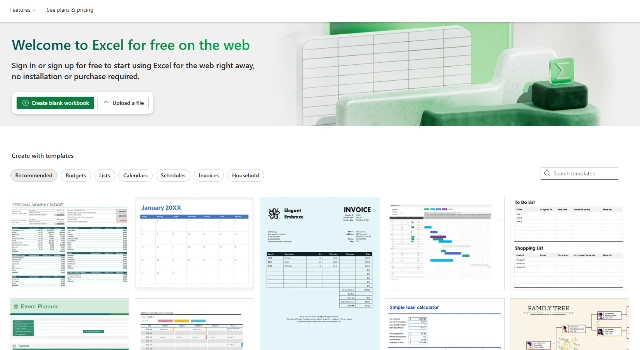
Microsoft Excel is a powerful spreadsheet application now enhanced by Copilot AI, allowing users to analyze, visualize, and automate data faster than ever.
Key Features
Copilot AI for insights and tasks
Excel macros and templates
Advanced data modeling
Who Is Microsoft Excel Best For?
Business professionals using Excel for reporting
Enterprises leveraging Microsoft Copilot
Data analysts working with spreadsheets
Pros
Powerful analysis tools
Copilot AI for automation
Widely adopted and robust
Cons
Subscription-based pricing
Can be complex for beginners
AI features require enterprise plans
Final Verdict: Is Microsoft Excel Worth It?
Microsoft Excel with Copilot brings advanced AI features to an already powerful platform, ideal for enterprise users needing deep analysis and automation.
How to Use Microsoft Excel: Step by Step
Using Microsoft Excel with Copilot:
Ensure your Microsoft 365 subscription includes Copilot
Open Excel and load your dataset
Click the Copilot button to start an AI prompt
Ask questions or request summaries/formulas
Refine outputs or visualize results
FAQ
What is Excel Copilot? Copilot is Microsoft’s AI assistant that helps analyze and visualize spreadsheet data.
Is Excel AI available to all users? Excel Copilot is part of Microsoft 365 subscriptions with eligible plans.