

Mapify


What Is Mapify?
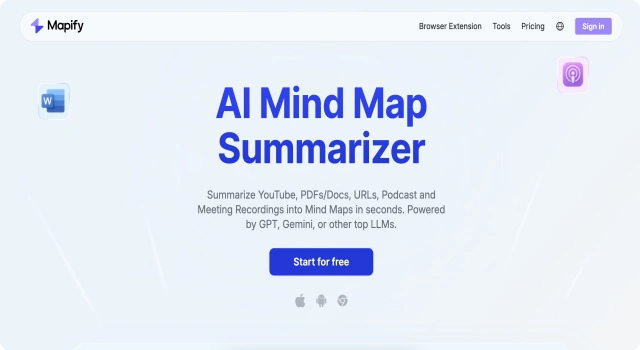
Mapify is an AI-powered mind mapping and presentation tool that transforms your ideas into structured, visually engaging maps. It helps individuals and teams plan, present, and brainstorm more effectively, with minimal manual formatting. Mapify is especially useful for educators, students, and knowledge professionals who value visual clarity.
Key Features
Mapify simplifies the way you organize and share ideas through AI-enhanced visuals.
- AI mind map generation: Input your topic and let the AI build a structured visual map
- Interactive presentations: Turn mind maps into dynamic slideshows
- Collaboration tools: Invite team members to edit in real-time
- Export options: Save your maps as PDFs or images
- Customization: Rearrange, resize, and color nodes with drag-and-drop
- Smart suggestions: Get auto-generated topics or subtopics
Who Is Mapify Best For?
Mapify is ideal for users who think visually and need to present or structure ideas clearly.
- Educators: Create interactive visual lessons
- Students: Organize study notes and project ideas
- Professionals: Map out strategies or workflows
- Creatives: Brainstorm storylines, campaigns, or concepts
- Teams: Collaborate on projects visually
Pros
- Fast AI-based idea mapping
- Visually appealing and modern interface
- Easy to use with minimal learning curve
- Real-time collaboration
- Free tier available
Cons
- Limited map depth on free plan
- Some formatting features are basic
- Export options limited without paid plan
- Lacks offline access
- Not suited for complex database-style maps'
Final Verdict: Is Mapify Worth It?
Mapify is a modern mind mapping and presentation tool powered by AI, offering a smooth and intuitive way to brainstorm and structure ideas visually. While it’s not designed for technical diagrams or databases, it’s a great solution for anyone needing clarity and creativity in communication.
How to Use Mapify: Step by Step
Get started with Mapify by following these steps:
- Sign up at mapify.ai using your email or Google account
- Click 'New Map' and enter a topic
- Let the AI auto-generate branches and subtopics
- Customize with drag-and-drop and formatting options
- Add collaborators or edit solo
- Use presentation mode to showcase your ideas
- Export the map or share a link
FAQ
How Do Credits Work in Mapify?
Mapify uses a credit system—each map generation or export consumes credits based on plan and content length.
Can I Embed a Map on My Website?
Yes. You can embed published maps using a shortcode or script; ensure the shortcode is placed correctly to avoid blank displays.
Does Mapify Provide PDF Summaries?
Mapify’s ChatPDF converts PDFs and other documents into mind maps and allows interactive questions with AI.
