Synthesia

Related Tool Collections
What Is Synthesia?
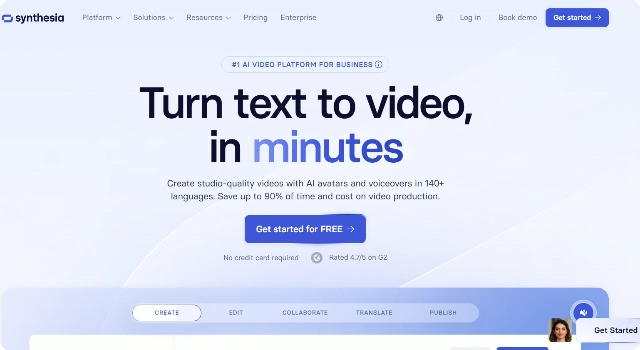
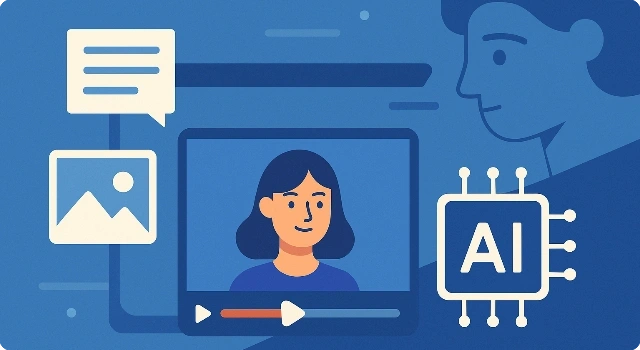
Synthesia is an AI video generator that turns written scripts into presenter-led videos with lifelike avatars.
With no need for cameras or microphones, it helps companies create training, onboarding, and explainer content at scale while keeping branding consistent.
Key Features
Synthesia makes AI video creation accessible with features such as:
- AI presenters delivering scripts with natural lip-sync.
- 120+ languages for truly global communication.
- Custom avatars to match company branding.
- Scene templates with captions, layouts, and media blocks.
- Collaboration tools for team-based projects.
Who Is Synthesia Best For?
Synthesia is best for teams and businesses that need professional videos quickly:
- HR departments producing onboarding and compliance lessons.
- Marketing teams creating product explainers without filming.
- Enterprises localizing training for global staff.
Pros
- High-quality avatars and clear lip-sync.
- Supports many global languages.
- Easy workflow from script to video.
Cons
- No free plan available.
- Less flexible for highly creative styles.
Final Verdict: Is Synthesia Worth It?
Synthesia is a polished solution for corporate training and explainer videos, trading off some creative freedom for speed and scalability.
How to Use Synthesia: Step by Step
Create AI-presenter videos from text using realistic avatars—ideal for tutorials, training, and product explainers.
- Sign up and click New Video.
- Pick a template and select an AI avatar.
- Paste or write your script; choose language and voice.
- Add scenes, brand colors, and on-screen text/images.
- Enable subtitles and adjust timing per scene.
- Preview, then click Generate to render.
- Download the MP4 or share via a link.
FAQ
Is Synthesia free?
A limited trial may be available. Full-quality, watermark-free exports and commercial usage require paid plans.
Can I use Synthesia videos commercially?
Yes on eligible plans. Check your subscription’s license and any stock-media terms before publishing.
Does Synthesia support multiple languages?
Yes, many languages and accents are available; options vary by avatar/voice.
What is Synthesia best for?
Training, onboarding, product explainers, and internal updates where a presenter boosts clarity.
How do I remove watermarks?
Export on a paid tier that includes watermark‑free rendering.
Any tips for better results?
Keep scenes short, use clear callouts on screen, enable captions, and match aspect ratio to your target platform.